
1: Go to Downloads Link in Head of Website. Click Link "WebPage to PDF (PDF24)Download " to Download PDF24 Software, Download only Private use Software.
1: After Download Install that Software. Only first Time Installation is necessary.
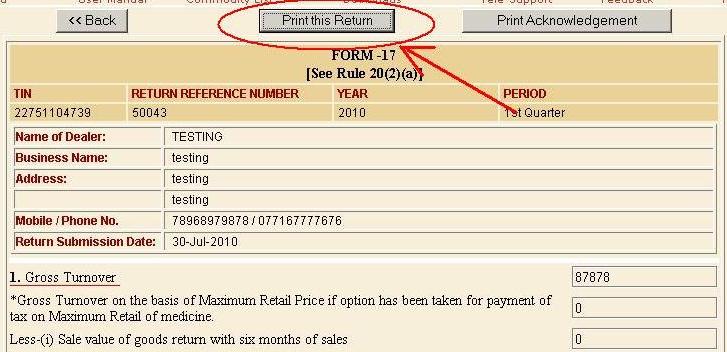
2: Go to eReturn and Browse any Finalized or Approved Return. as shown in figure

2: Now Click "Print Return" button
2: Select PDF24 Icon(shown by red Circle) when Print Option come and Click Print shown by Blue Circle.

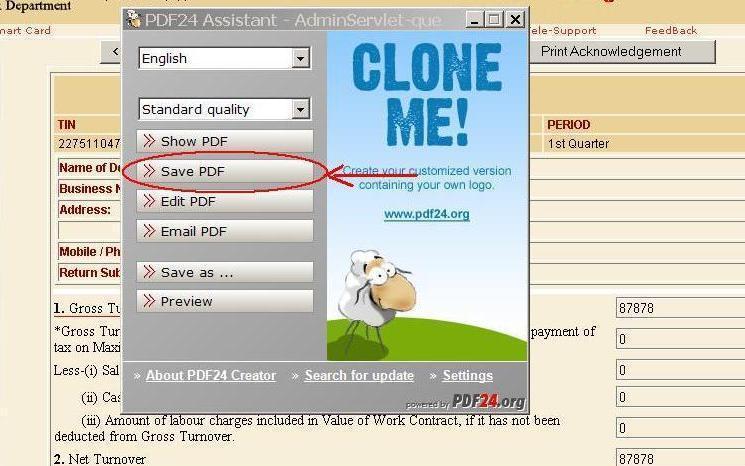
2: Now Click "Save PDF" button shown in figure by red circle.