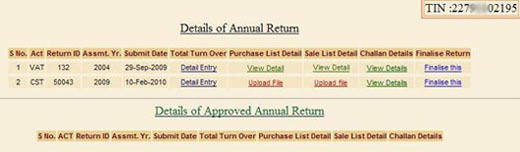


1: There are two ways by which a user can do Detail Entry of form.
At the Time of Minimal Entry Later from Browse Page
i: At the Time of Minimal Entry:- Select Act Type, Return Period, and Financial Year for you want to submit Return. After Selection Click Submit. Review Minimal Entry Page will Open.
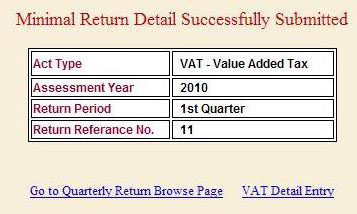
See The link in Image "VAT Detail Entry" , By clicking on this link user can reach to detail entry of page.
ii: Later from Browse Page:-2nd way to do Deatil Entry of form. Go through Browse(Annual/Quarterly) Page. See the "Total Turn Over" Column. Click the link "Detail Entry" for the return. On Click to "Detail Entry" link user navigate to respective form to fill detail entry.