


1: If ever user forgot his/her pasword. He/She needs to request for new password through applicatio for this purpose, user Click "Forgot Password" from Login Page.
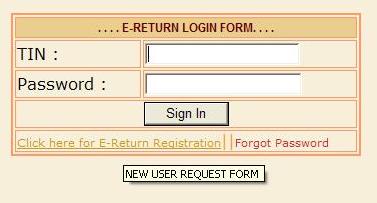
2: On click to "Forgot Password" link from login page , user navigate to Request Forgot Password form. Now user fill his TIN and Submit the Request.
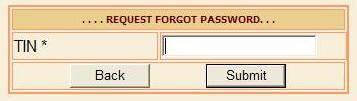
3: He will get a message to contact the concern CTO to get his password manually.
4: Now user after submit request for forgot password , goto the department and after show his authentication, he/she can get a new password.